4.Referral Status
Last updated: January 13, 2026
Review Stage:
New: each lead is automatically marked as 'New' until a change is made
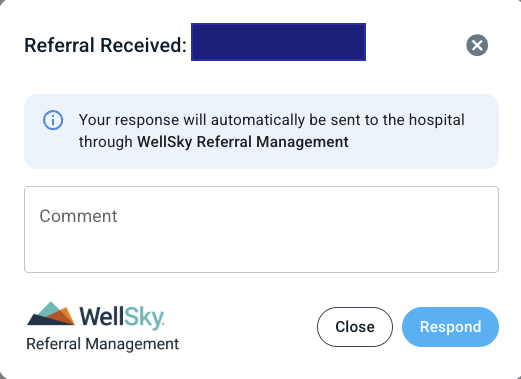
Referral Received: indicates to the referral platform that the referral has been received.
We recommend to update the Review Stage to 'Referral Received' as soon as you see a referral in ExaCare. Continue to update the Review Stage as you go through your regular workflow for data tracking purposes.
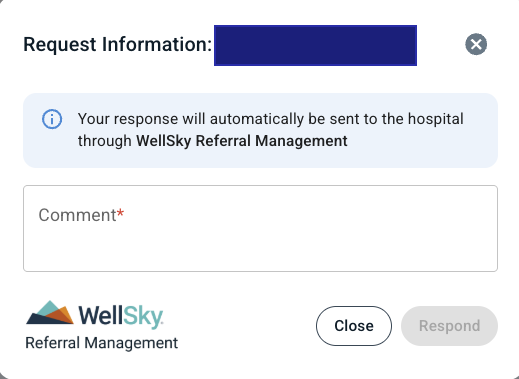
Need More Info: indicates that more information is required
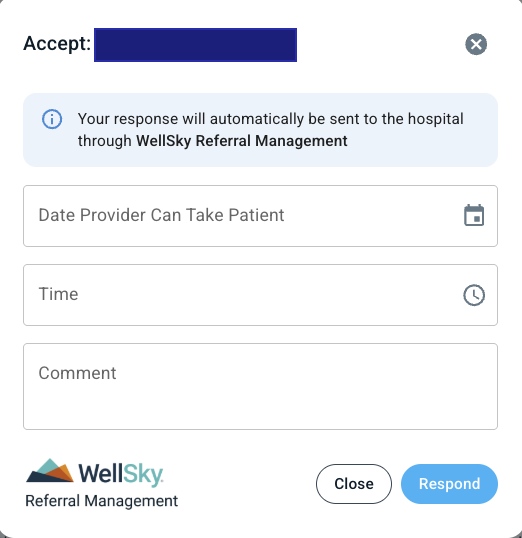
Accept: indicates that your facility can accept the patient
Decline: indicates that your facility declines the patient from admitting
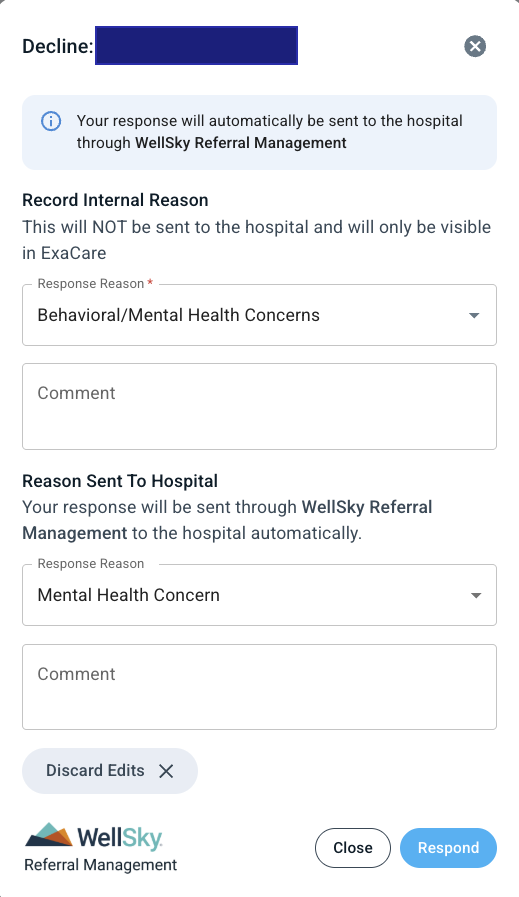
Note that for each Review Stage, you can add a comment, and for the 'Decline' option, you can record an internal AND / OR external reason. The internal reason can only be viewed by your team in ExaCare.
Admission Status:
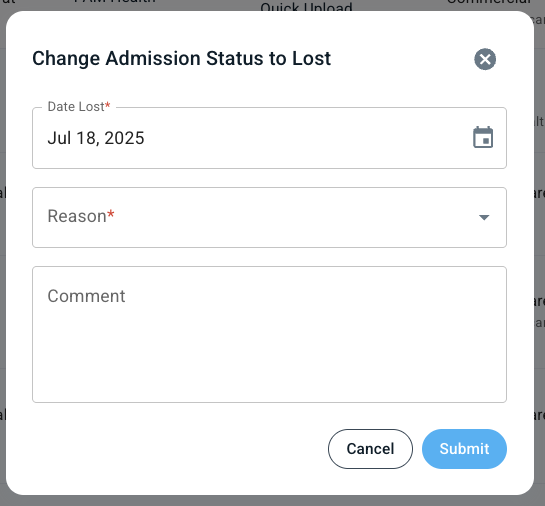
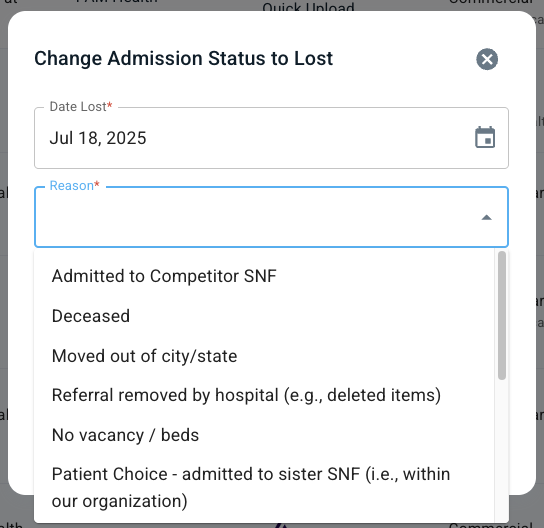
Lost: indicates that you have lost the referral (must add a reason from the dropdown)
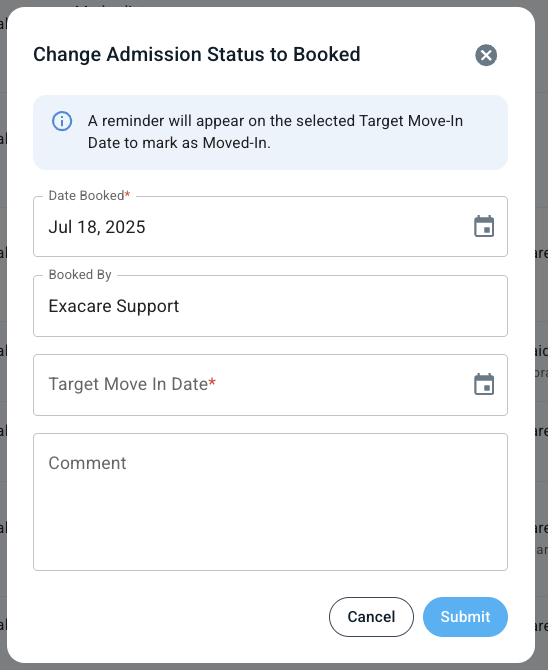
Booked: indicates that you have booked the referral (must add a Target Move-In Date from the dropdown)
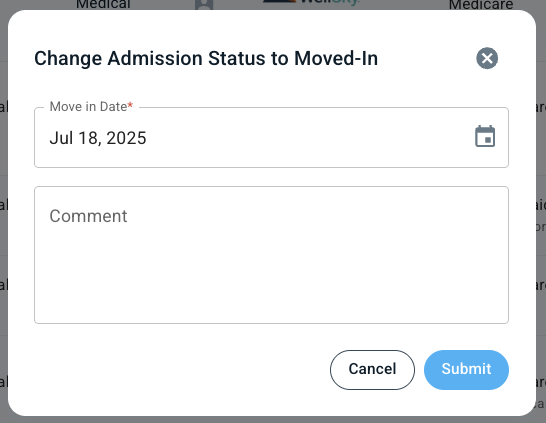
Moved-In: indicates that you have moved the referral in
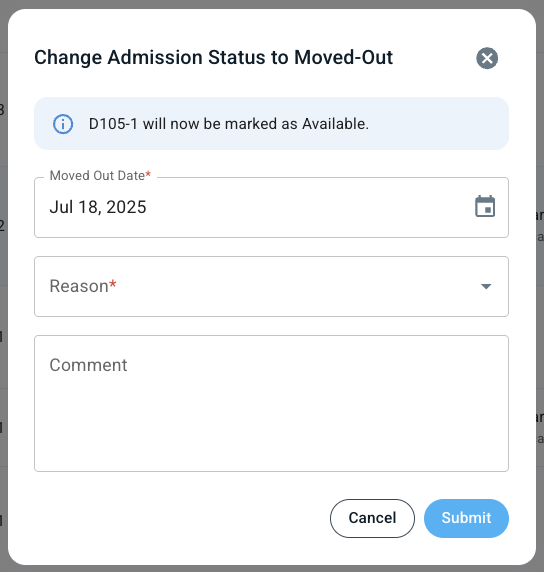
Moved-Out: indicates that you have moved the referral out (must add a reason from the dropdown)
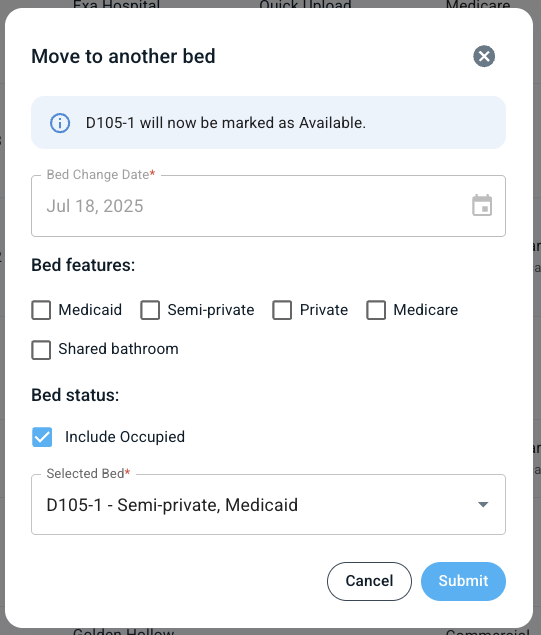
Move to another bed: when the referral moves beds (only available after the referral has been moved in)
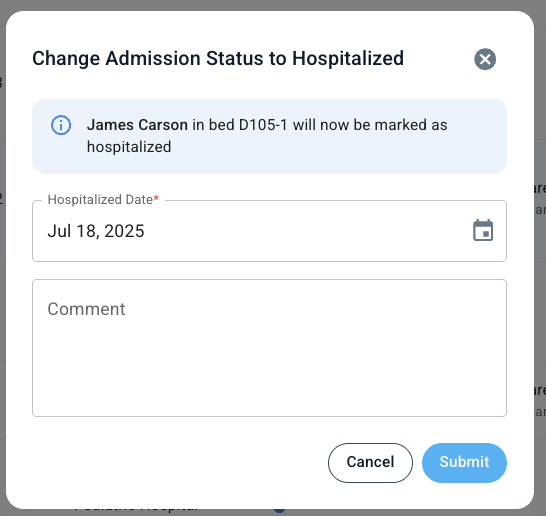
Hospitalized: when the referral is hospitalized (only available after the patient has been moved in)
Note each option has a 'Revert' action for any changes that need to be made.