1. Set Up Managed Care Agent System Permissions
Last updated: June 11, 2026
System permissions for the Managed Care Agent (MCA) control which features users can access. All user permissions can be viewed and managed within each user profile in the Admin Hub on exacare. Permissions specific to this feature are under "Payer".
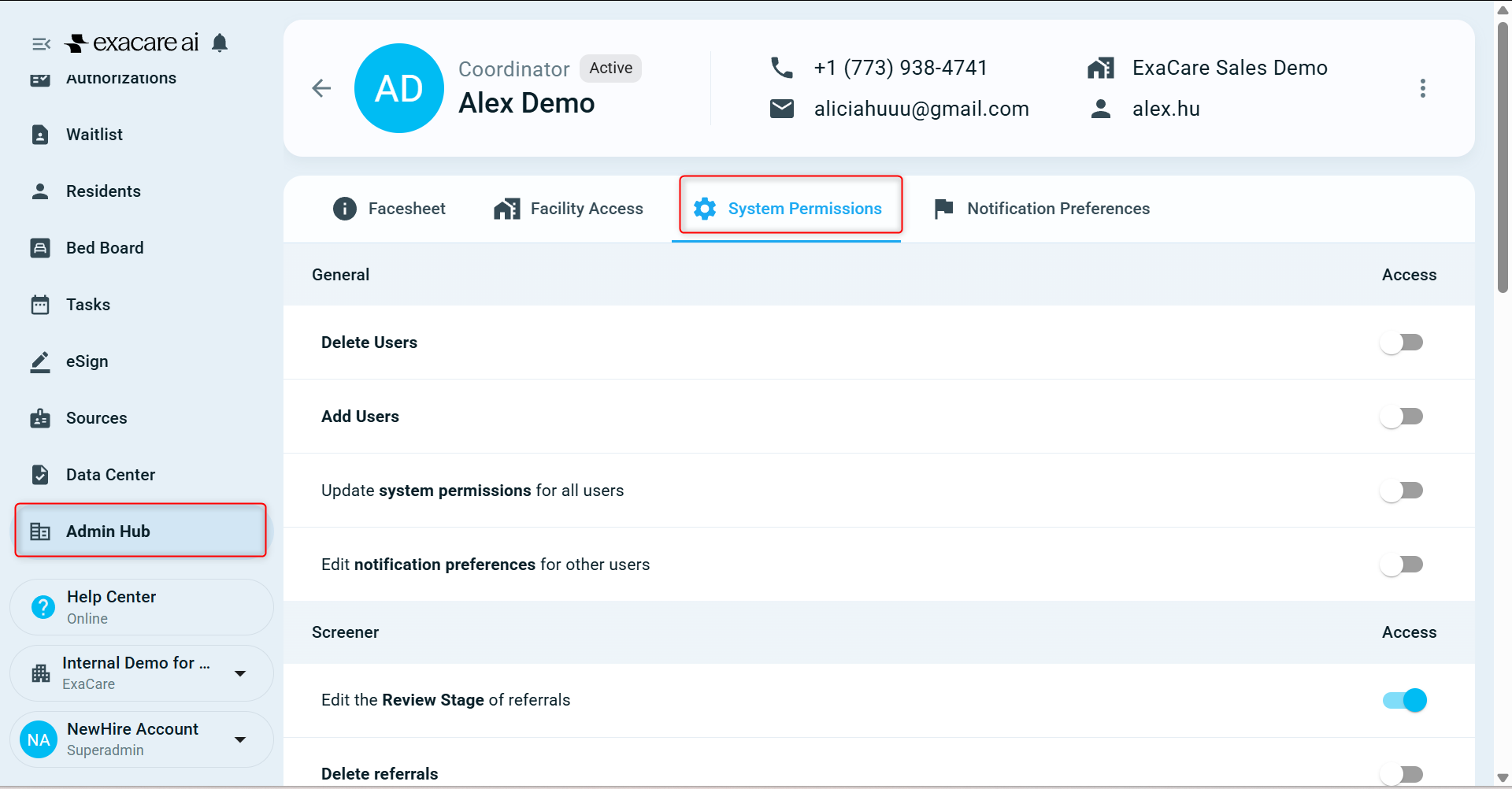
Add, edit and remove payers and contract information:
The ability to add, edit and remove payers from your payer list, as well as add contract information is controlled by this permission.
By default:
Coordinators and Administrators have this permission turned off
Superadmins have this permission turned on
Users without this permission can still view payer list and contracts.
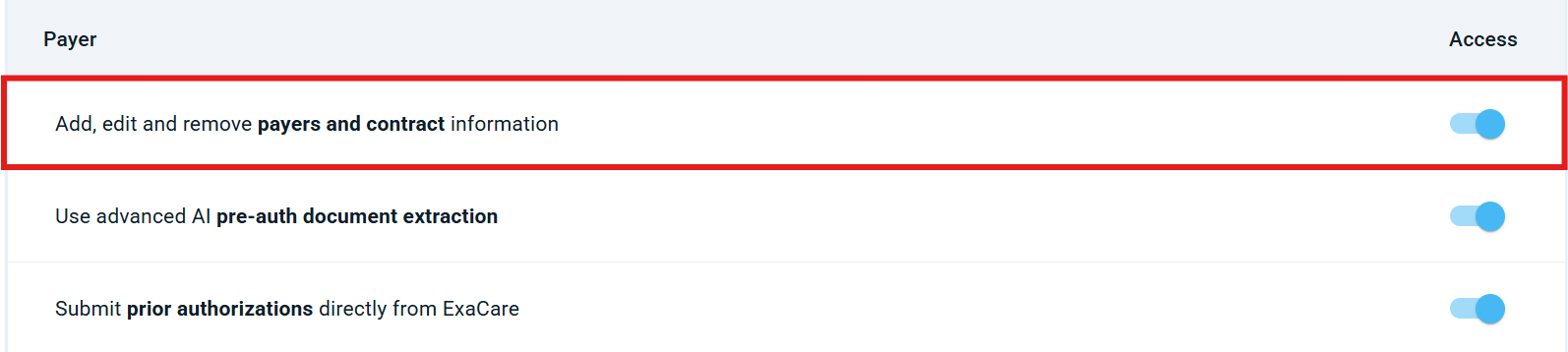
Use advanced AI pre-auth document extraction:
The ability to run analysis to generate pre-auth submission document.
By default:
Coordinators, Administrators and super admins have this permission turned off
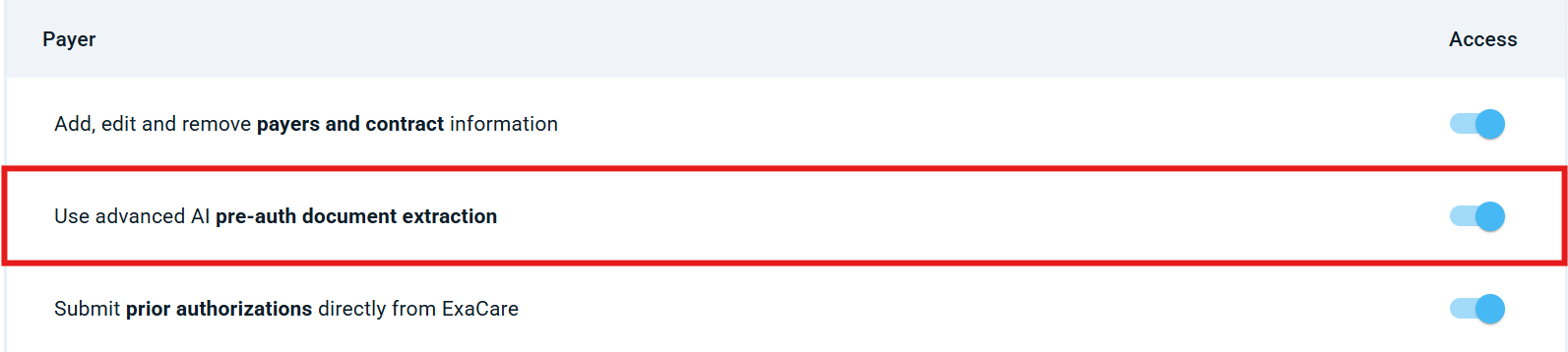
Submit prior authorizations directly from exacare:
The ability the ability to directly submit prior authorizations from exacare to the payer portals (e.g., Availity) is controlled by this permission.
By default:
Coordinators, Administrators and super admins have this permission turned off
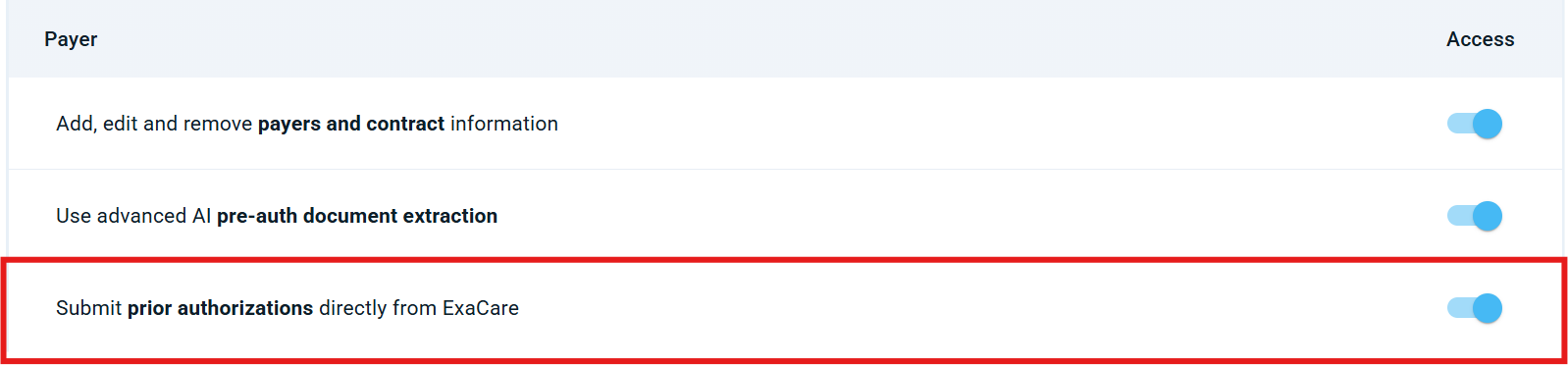
How to Grant Permissions:
Superadmins have the ability to edit permissions on a per user basis (i.e can give coordinators access to these features)
How to turn these permissions on:
Go to "Admin Hub"
Click on "Staff Overview"
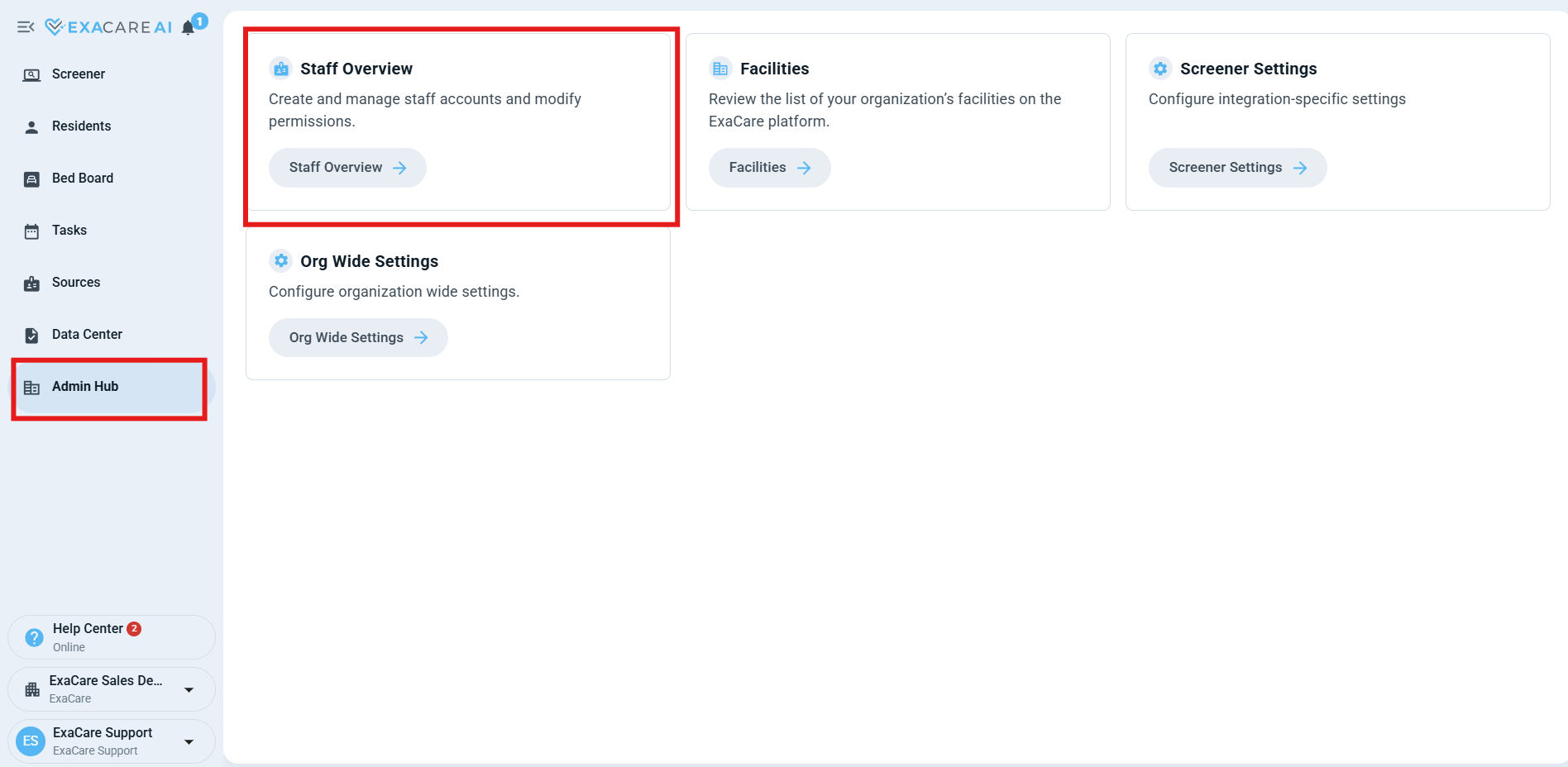
Find the desired user and click on their profile
Click on "System Permissions"
Toggle on the desired permission