2. Configure Managed Care Agent Notifications
Last updated: May 5, 2026
This guide explains how to set notifications specific to the Managed Care Agent (MCA) and the prior authorization process. These notifications cover any change in status, whether automated or manual, except to the user who makes the status change themselves.
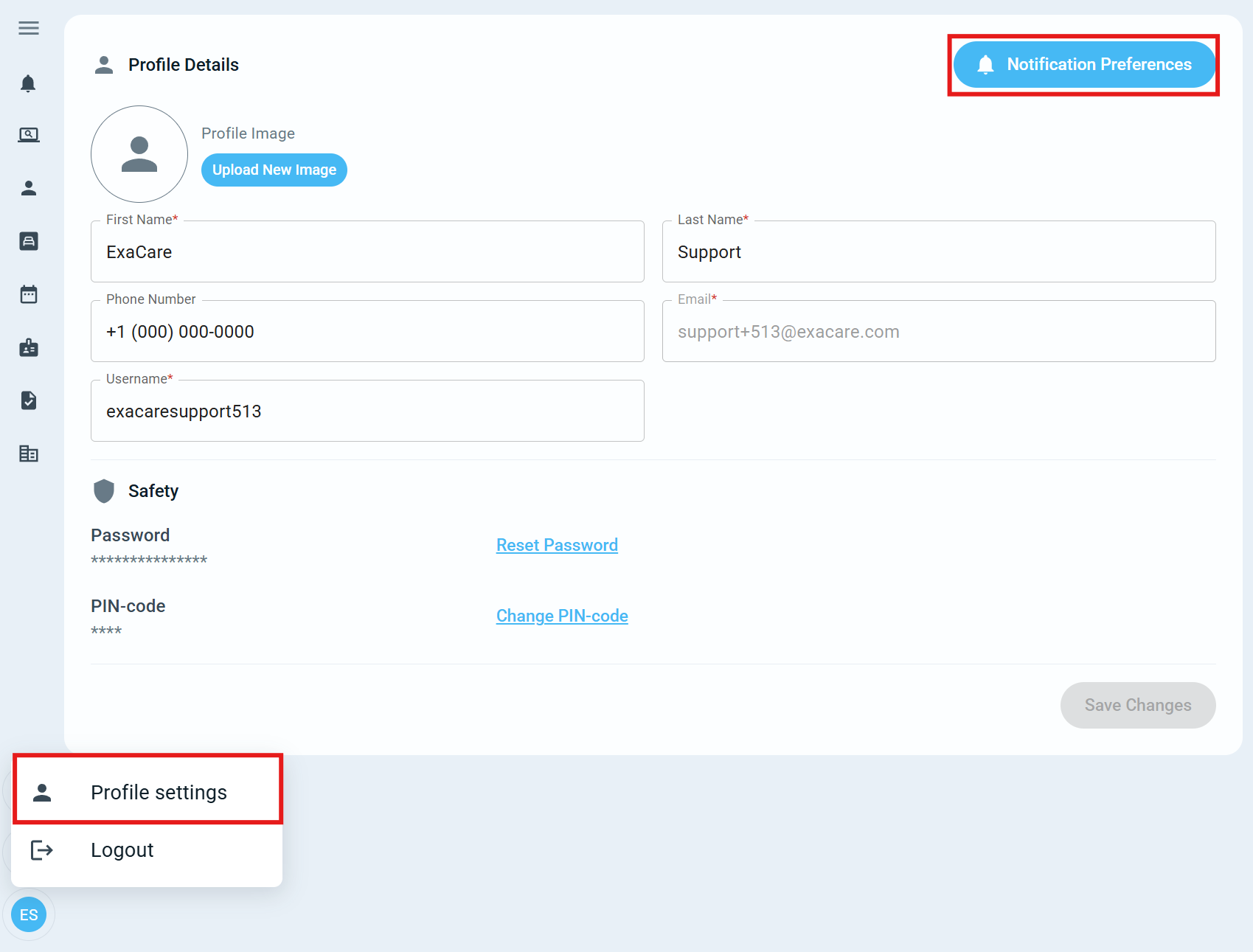
Step 1: Navigate to your Profile
a. Select your name in the bottom left hand corner
b. Select profile settings
c. Select Notification Preferences in the top right hand corner
Step 2: Select Authorization Notifications
a. Select what you want notifications for
A prior authorization is submitted to the payer
A prior authorization submission encountered an error
A prior authorization is approved
A prior authorization is partially approved, denied or requires peer-to-peer
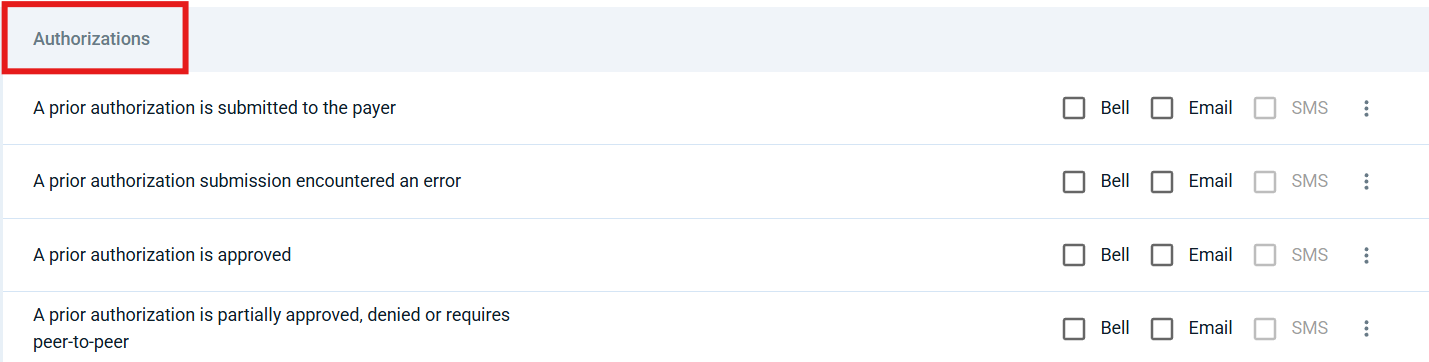
b. Select the type of notification (Bell, Email or SMS)
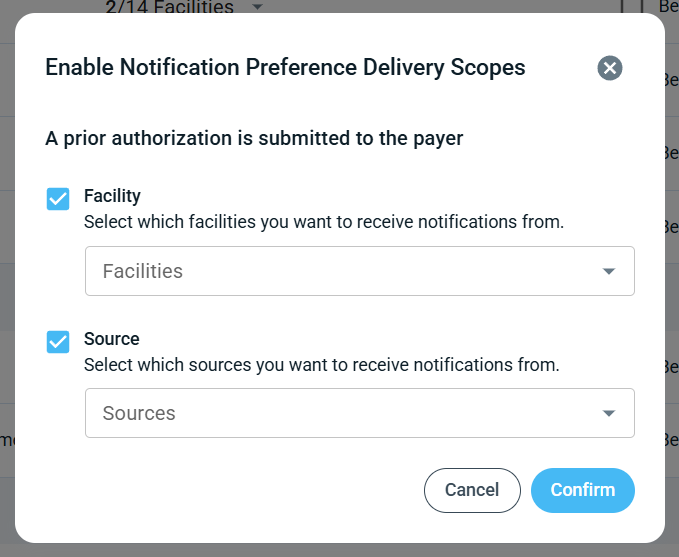
c. Enable Delivery Scopes (optional)
Select the three dots next to the notification.
Click Enable Delivery Scopes.
Choose the specific facilities or sources you want to receive notifications for.