Login Instructions
Last updated: June 11, 2026
Option 1 – From the Welcome Email:
Check your inbox or spam for an email from noreply@exacare.com containing your login credentials.
Go to app.exacare.com.
Log in with credentials provided.
We recommend using your email address as your username when logging in. While both your email and username will work, your email is generally less prone to misspelling.
Update password, if necessary (see the “Resetting Password and PIN" article).
Option 2 – Use “Forgot password?”:
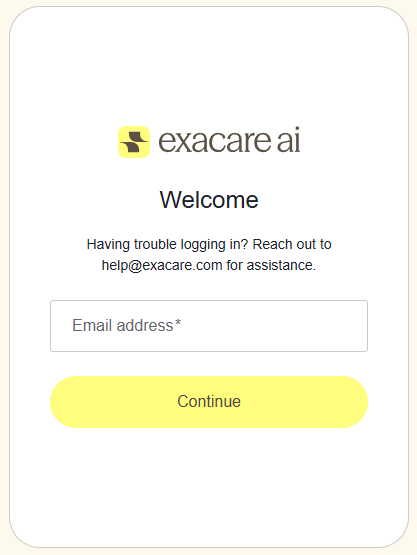
Go to app.exacare.com.
Click Forgot password? to go through the forgot password flow.
3. Check your inbox or spam for an email from noreply@exacare.com.
4. Return to app.exacare.com and log in with your new credentials.