4. Sharing Custom Reports
Last updated: February 12, 2026
Once your dashboard is published and ready, you can share it with others directly.
From the top-right corner of your dashboard, click Share. This opens the sharing settings for your current dashboard.
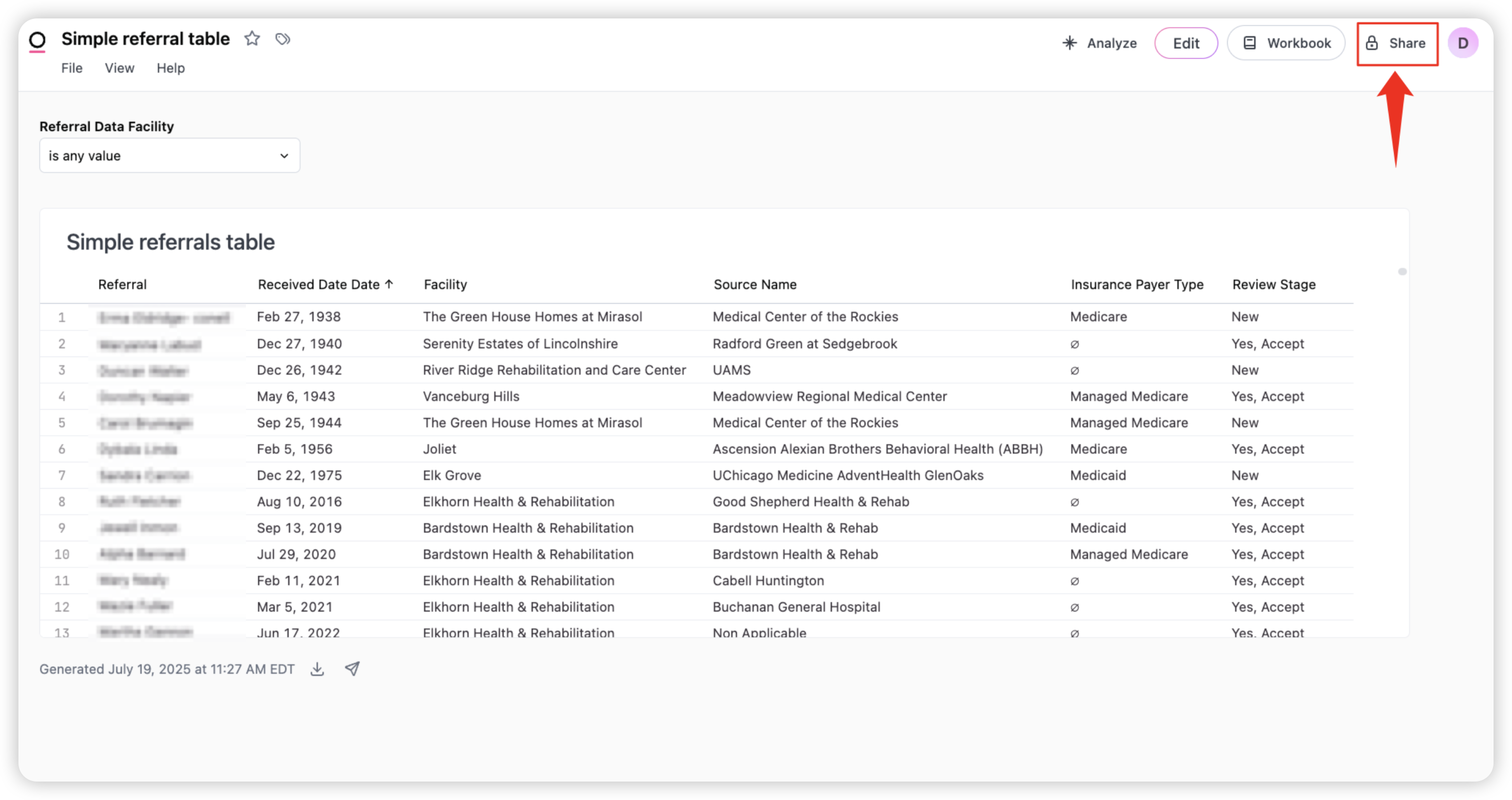
In the share panel:
Enter the names or emails of teammates you want to share with
Choose their access level (Viewer or Editor)
Optionally, copy a shareable link using the Copy Link option at the bottom
Once shared, others will be able to view or collaborate on your dashboard depending on the permissions you’ve given.

Pro tip: You can only share a dashboard with a staff member who has opened the Advanced Report builder in the past.
If you do not see their email populate, ask them to open the advanced report builder, then search for their email again.