How to Access the exacare Help Center
Last updated: June 11, 2026
The exacare Help Center is your go-to resource for tutorials, guides, and answers to common questions about using exacare ai.
Two Ways to Access Help Center
Option 1: From within exacare
Login at app.exacare.com
Click the ? button in the bottom corner of the left-hand navigation menu
Click FAQ Help Center in the pop-up
You'll be directed to our Help Center. Click the 'Login' button in the top right and follow the instructions above
Option 2: Direct access
Go directly to help.exacare.com
Click the 'Login' button in the top right and follow the instructions below
How to Login
From help.exacare.com click 'Login'
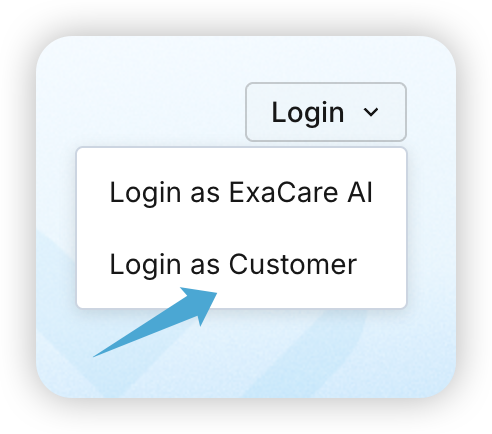
Select the second option, 'Login as Customer'
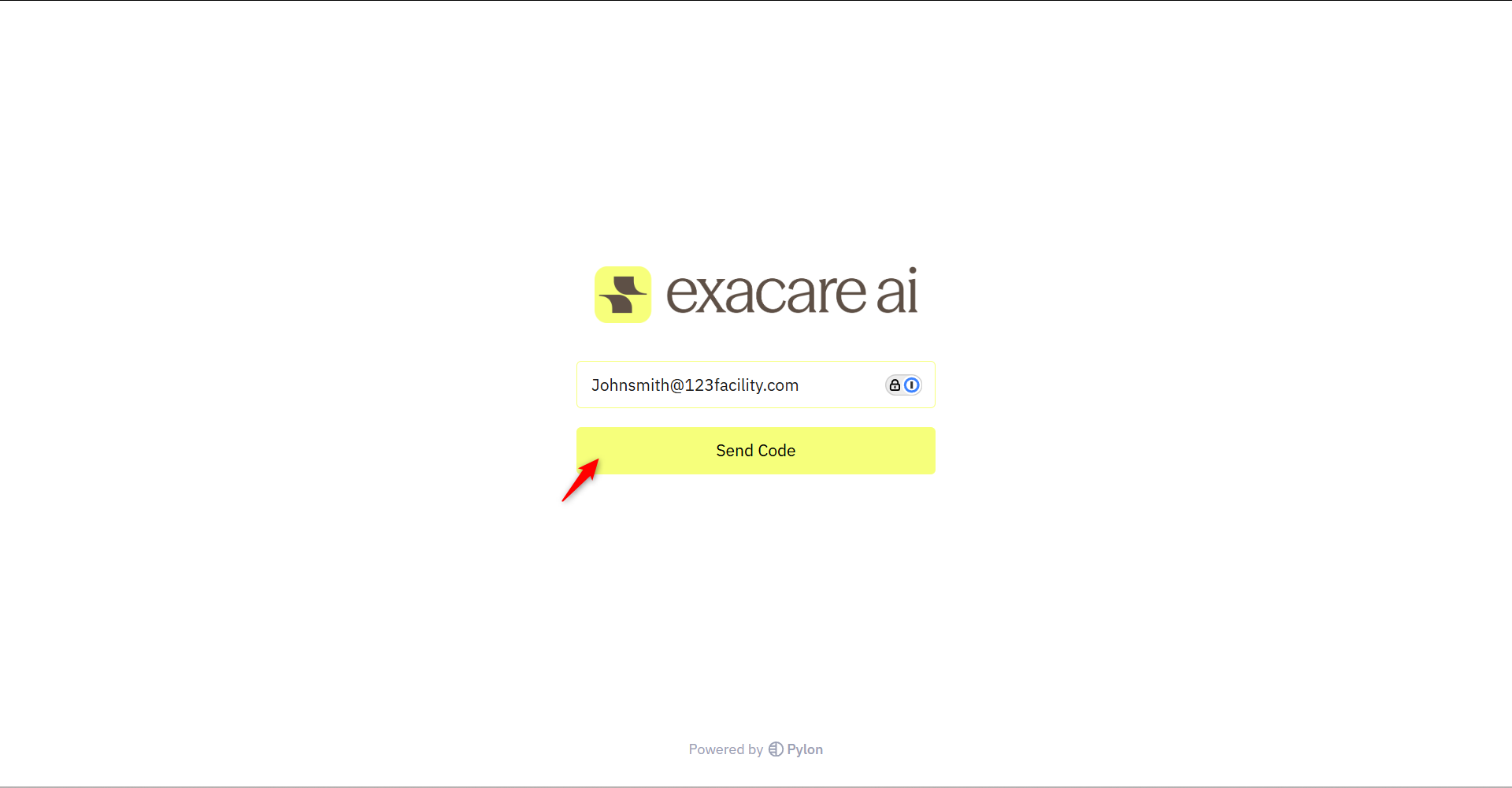
Enter your exacare login email and click 'Send Code'
Check your inbox (and spam!) to collect your 'Login Code'. If you don't receive your code within a few minutes, click 'Resend'
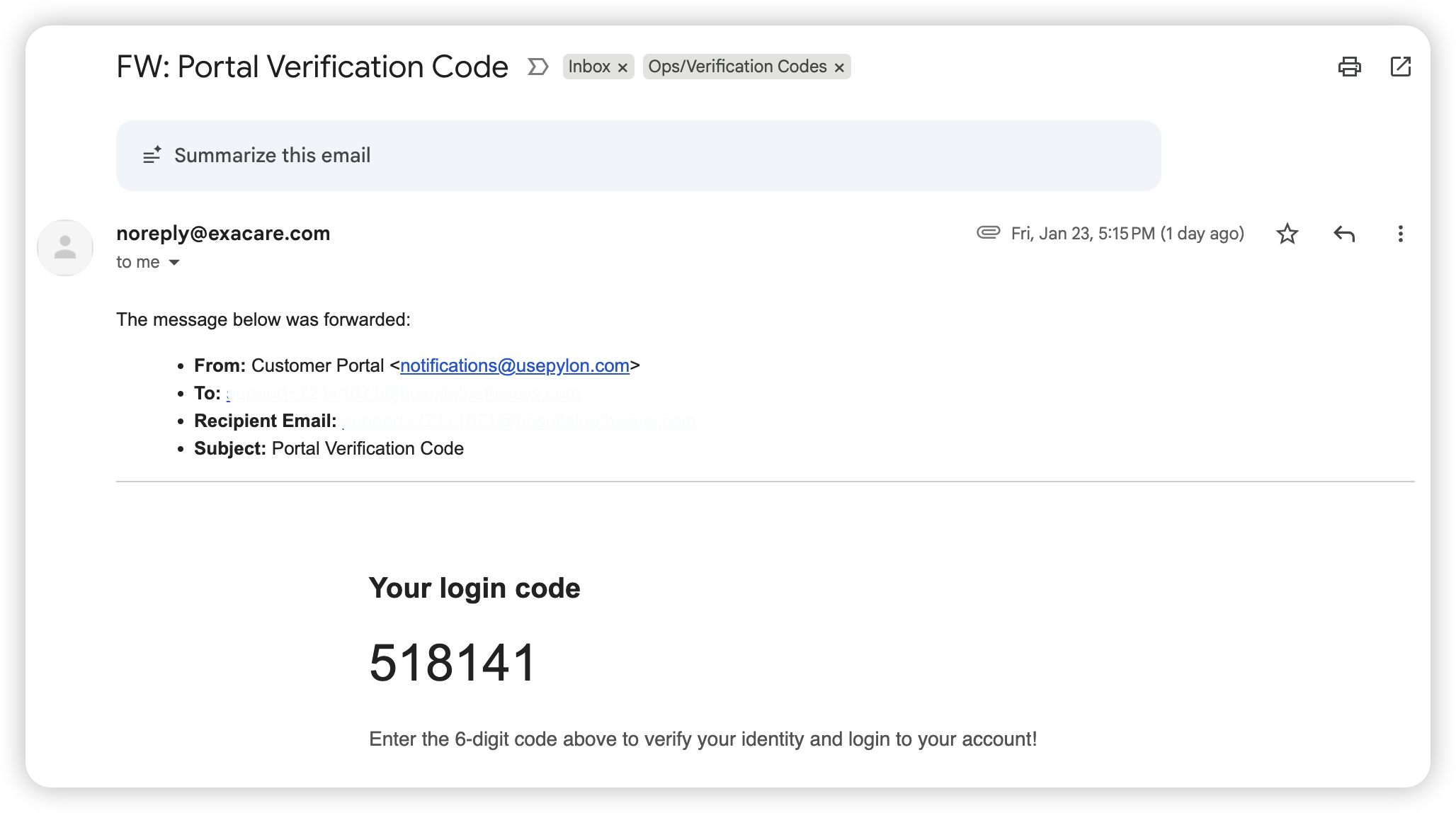
Once you've received your code via email, input it in this field
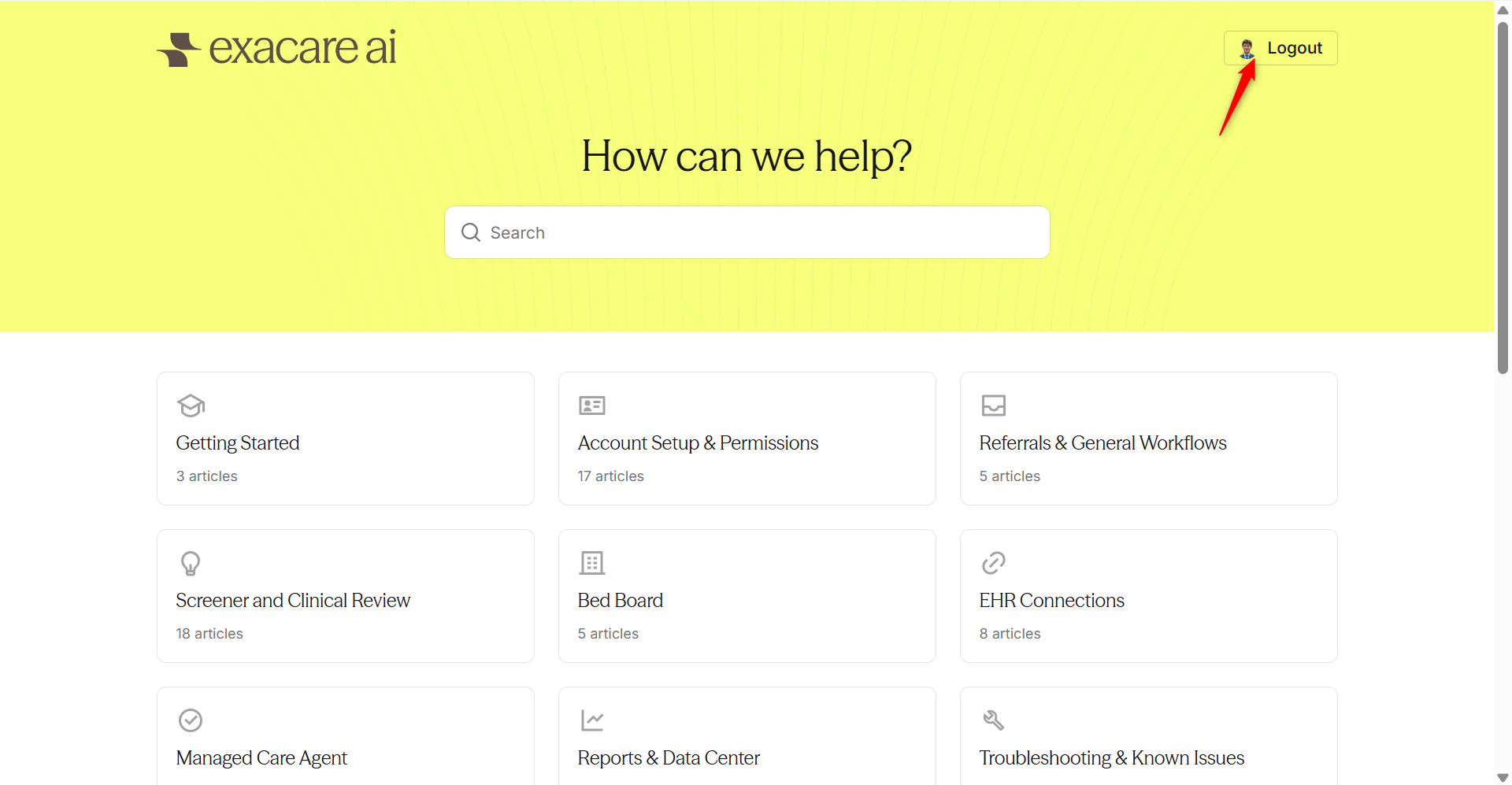
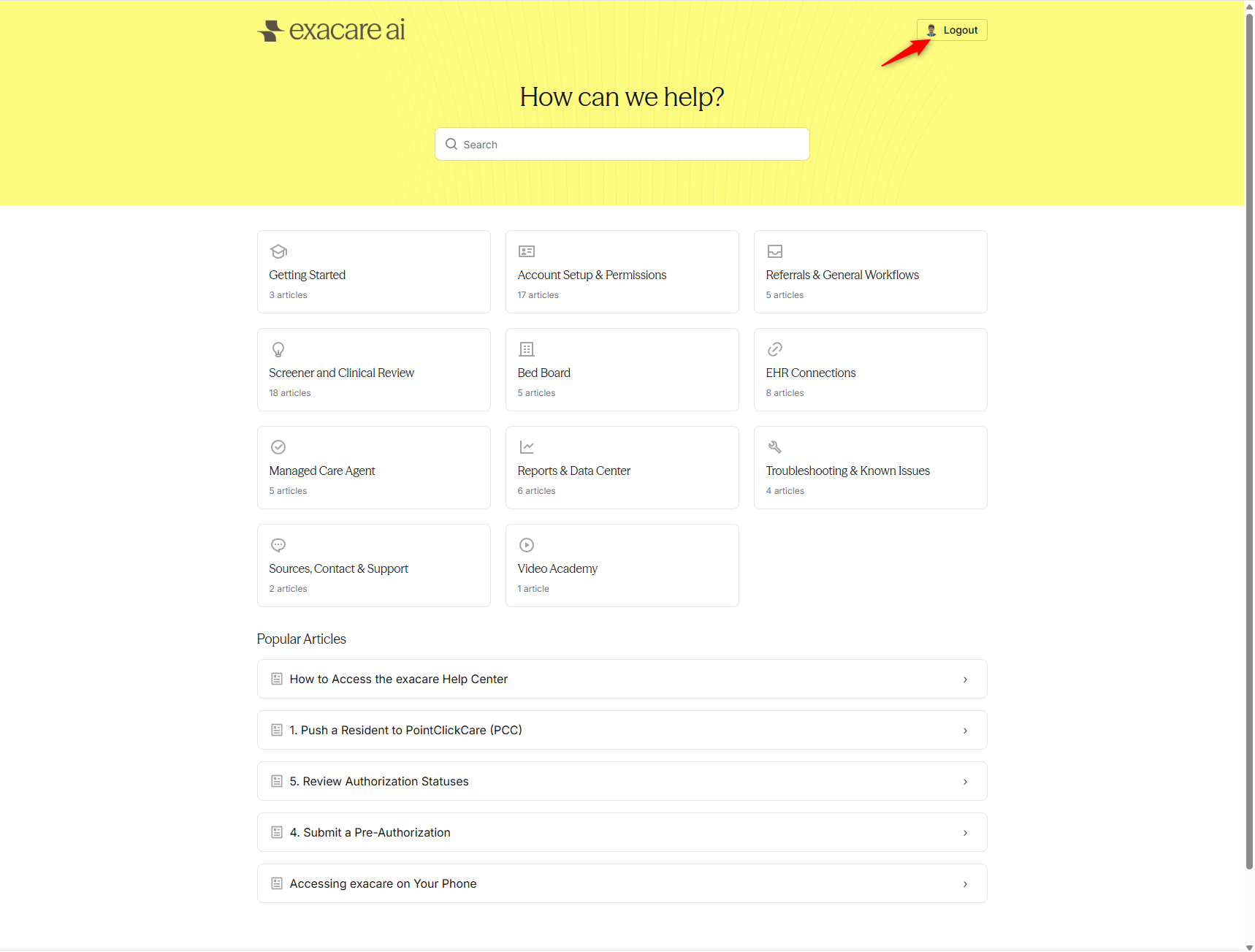
Once you are logged in, you will see your profile in the top right corner with a 'Logout' button to the right and folders will appear as pictured below.